

What conditions do
- Filter: only continue the workflow when criteria are met
- Branch: route customers/subscriptions into different paths
- Protect: stop paths that would be irrelevant or unsafe
Practical examples
- Route first-time subscribers vs. loyal subscribers (for example by cycle count or age)
- Route VIP vs. non‑VIP subscribers (for example by lifetime value or tags)
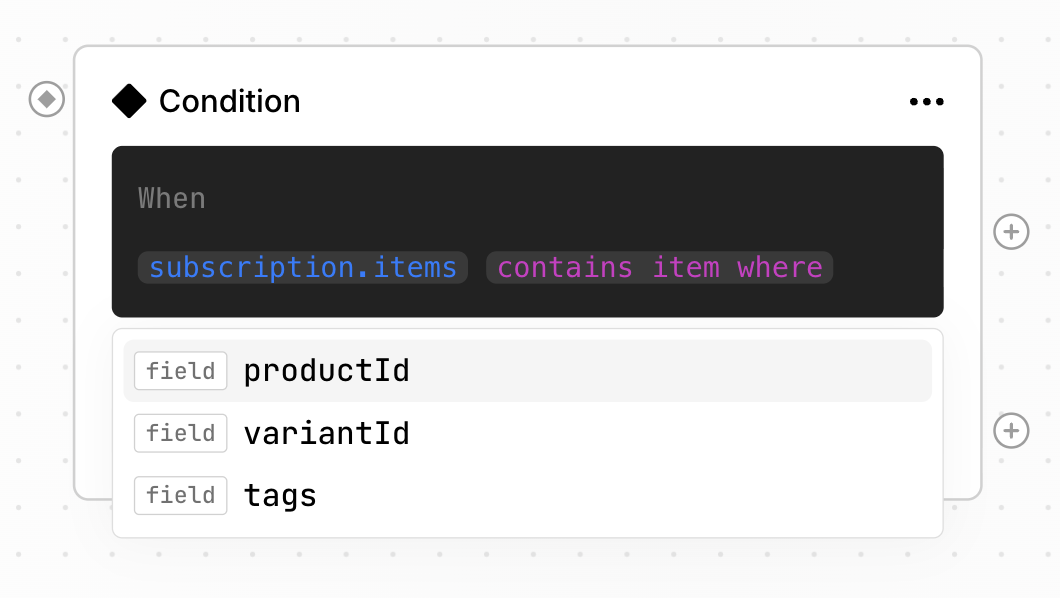
- Route based on the product the customer is subscribed to
- Branch portal flows by UTM source (Customer Portal vs. a tagged email link)
- Enforce weight limits on the upcoming order before renewal
Conditions reference
customer.*
subscription.*
subscription_item.*
Available when the trigger provides a subscription item (for example Subscription item removal requested).
upcoming_order.*
These conditions are used with the Next order updated trigger. They check the state of the next upcoming order. They are not tied to a single subscription when multiple delivery dates exist; per-subscription data is available via upcoming_order.subscriptions.
subscription_upcoming_weight
Standalone condition (not an upcoming_order.* path). Total weight in grams of all items in the subscription’s upcoming order. Useful on triggers that do not carry full order data — especially Customer portal opened — for weight-based rules.